Choose Your Weapon
In this lesson, we will shatter your traditional perception of "writing code" and usher you into the true era of Vibe Coding.
What is Vibe Coding?
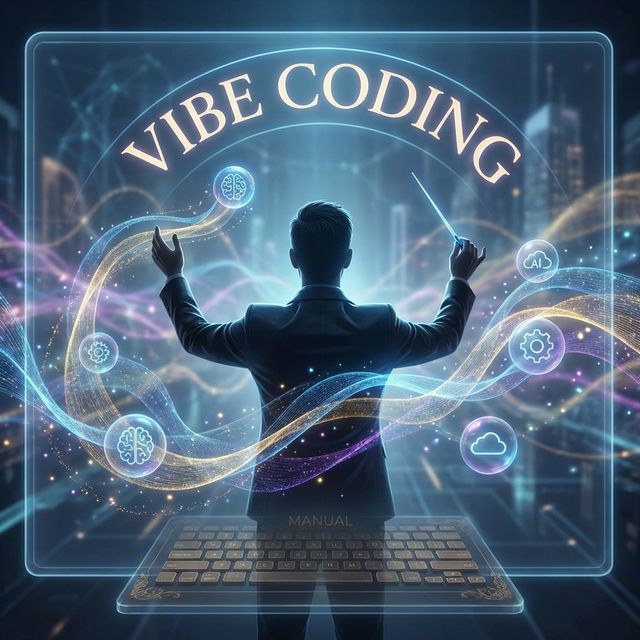
"Vibe Coding" is an advanced programming philosophy proposed by former Tesla Director of AI, Andrej Karpathy, in 2025. In this paradigm, you no longer need to memorize tedious syntax line by line. Your role officially upgrades from a "code-typing laborer" to a "project manager orchestrating intelligent agents".
In the flow state of Vibe Coding, "coding" becomes "describing requirements in natural language, reviewing the options provided by AI, and continuously giving feedback". This means:
Intuition-Led: When encountering unknown territory, let the AI code a prototype and run it first.
Embrace Exponentials: Use the time it takes to speak one sentence to complete complex scripts that used to take hours.
Forget that the code even exists: Let the AI handle the specific implementation details. Your brain is only used to think about the business logic and the end goals.
But to fully unleash this magic, simply talking to a web-based AI chat isn't enough. You need to pick a truly powerful "magic wand"—an AI-Native IDE (Integrated Development Environment).
Why Change Editors? Say No to "Web Chats"
For many professionals, the first step into AI is opening a web-based chat box, describing a need, copying the generated code, pasting it somewhere, and then being overwhelmed by a screen full of errors.
The fatal flaw of web-based chat is that it lacks the "big picture". It can't see your entire project, doesn't know which file you just modified, and has no idea about your computer's environment configuration.
Therefore, we need an AI-Native IDE. On the surface, it looks like a traditional code editor, but its soul is an Agent deeply embedded in your computer's workspace. It can not only chat with you but also directly create files, bulk modify code, and even run the terminal to see errors. It is your geeky external brain that accompanies you.
Antigravity (Top Recommendation): A phenomenal IDE created by Google DeepMind. It pioneered the "Agent-First" paradigm. It doesn't just provide code snippets; it can highly autonomously plan actions, search the web, and directly execute terminal commands.
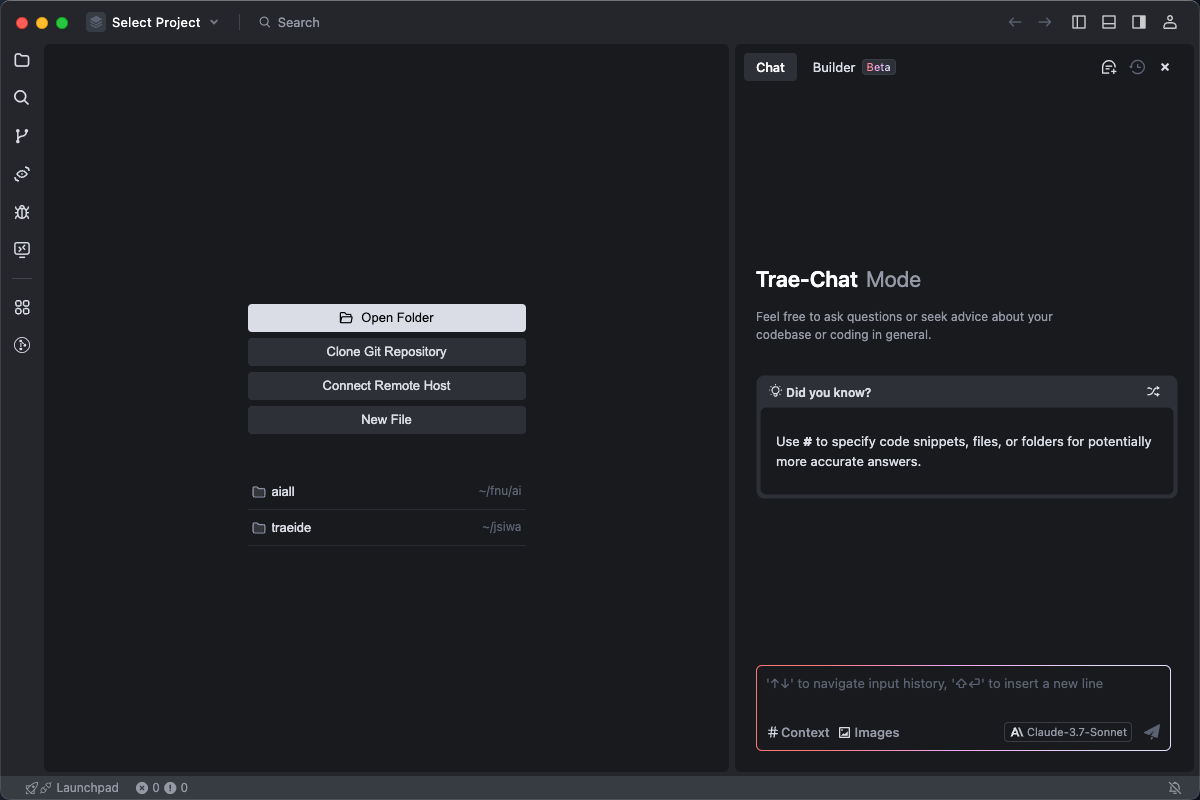
Trae (Excellent Alternative): An adaptive AI IDE produced by ByteDance. It features a powerful built-in model matrix and an extremely smooth project creation wizard (Builder Mode).
Whether you are a Mac or Windows user, please immediately go to the official website and download Antigravity or Trae. The installation process is as simple as installing WhatsApp or Telegram; just click "Next" all the way through.
Tabletop Exercise: Meet Your Digital Cockpit
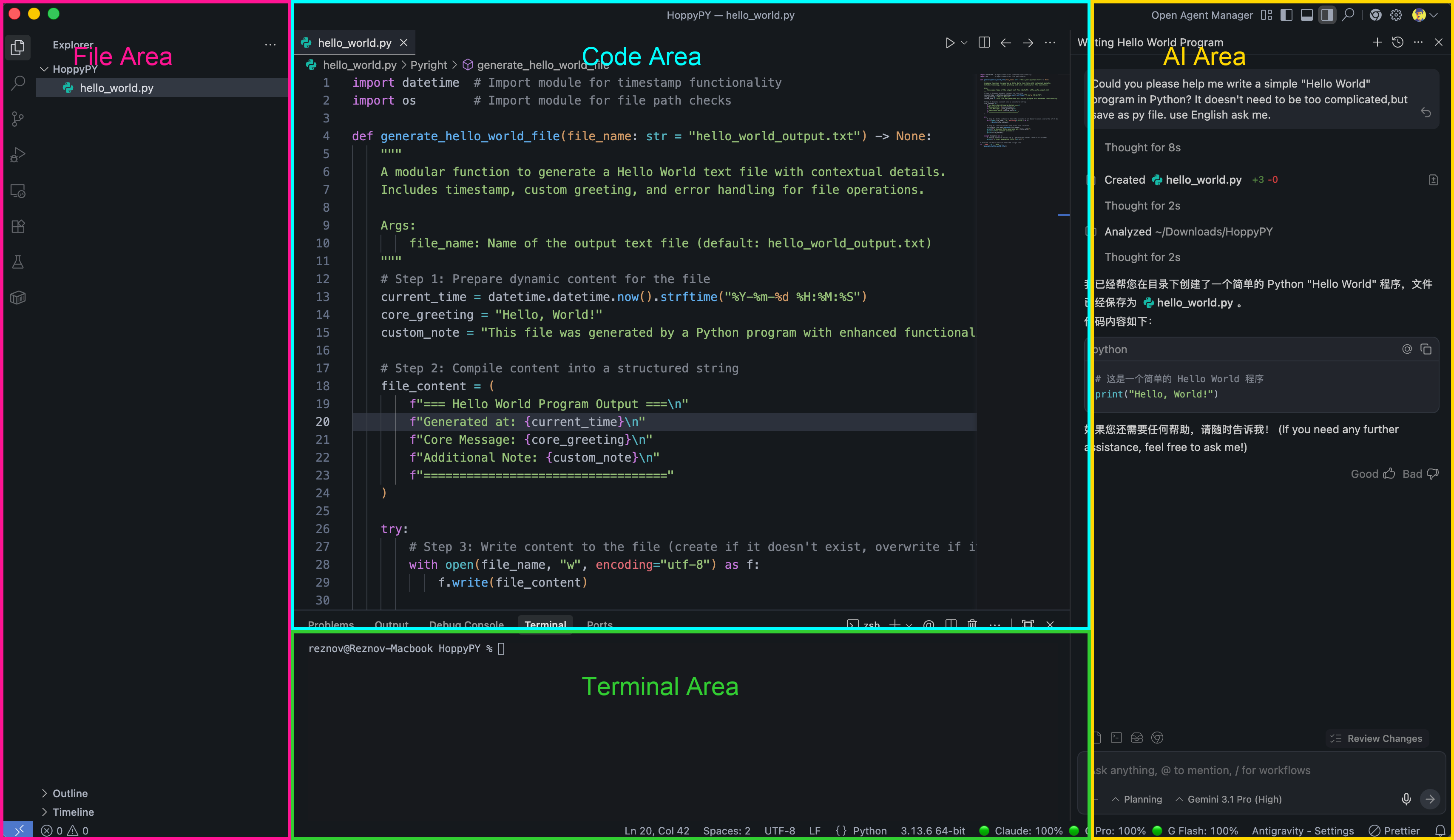
When you first see Antigravity, don't be intimidated by the professional interface. As a Vibe Coder, you only need to master three core areas:
Left - File Explorer: This is like the folders on your computer. You see all the project files here and manage your "assets."
Center - Code Editor: This displays the specific code content. Here is the key point: in the early stages, you don't need to understand the code here at all. Imagine it as a transparent kitchen in a restaurant; you just need to know the "food is in the pot", you don't need to hold the spatula yourself.
Right or Sidebar - Your External Brain Center (AI Chat & Agent): This is your most frequently used super portal.
- Chat Mode: Equivalent to asking an advisor ("What is this code doing?").
- Agent/Composer Mode: The core of the magic! In this mode, you type a one-sentence requirement, and the AI will automatically create files on the left, write the code in the middle, and even install the necessary software libraries for you. You just watch it work.
The Engine's Mental Model: Meet the Large Language Models (LLMs)
If the IDE is a supercar, then the Large Language Model (LLM) is the engine that can be swapped at any time. Usually, you can switch between different models in the corner of the interface.

Claude Series
By Anthropic, widely recognized as the "God of Code". Its logic is extremely rigorous, it excels at front-end UI, and it can write long, nearly error-free code chapters. (e.g., Claude 4.6)

Gemini Series
By Google, focused on "reading ten lines at a glance". It possesses a massive context window. If you have a giant project or incredibly thick developer docs, Gemini is the best information processor. (e.g., Gemini 3.1)

ChatGPT Series
By OpenAI, the "All-Round Hexagon Warrior". When you don't know what to choose, it's always an extremely stable and powerful fallback choice. (e.g., ChatGPT 5.2)
AI evolution speed is measured in days. If you see a larger number in the software than those mentioned above, don't hesitate, pick the one with the biggest number! The larger the version number, the smarter it is, and the more thoroughly you can be a "hands-off manager".
Interactive Practice: Awaken Your First Agent
Please open the Antigravity (or Trae) you just installed, and open or create a blank folder. In the AI assistant window on the right (ensure Agent or Composer take-over mode is enabled), directly copy, paste, and send this exclusive incantation:
Hello Agent! I'm ready to embrace Vibe Coding.
Please run a command in the Terminal to check if Python is installed on my Mac/Windows computer and exactly what version it is.
You need to report the results directly to me. If it's not installed, you don't need to install it, just tell me it's not installed.
Press Enter, and take your hands off the keyboard. Observe the right window. You will see your Agent begin to think autonomously, automatically open the built-in terminal, input the command, and then report the results to you.
Congratulations, your first exclusive software assistant is successfully online! In the next lesson, we will teach you how to cast the "barrier" in a completely blank environment that will allow you to unleash even more powerful magic.
By clicking this, you confirm you have completed the Vibe Coding mission in your local IDE.